
“I played Tetris for five minutes, yeah. I still see falling blocks in my dreams.” - Henk Rogers
I’m a 36 yo beginner with no professional programming experience and 1 month into learning Godot. This is my devlog where I build classic games and add my own original twist to them (eventually). No tutorials, No vibe coding (except asking ChatGPT about specific Godot features).
The Tetris Effect is real! If I have to start somewhere, why not start with building the game that I have played to most number of hours (sorry RollerCoaster Tycoon!). This is not a tutorial, but rather a complicated learning process that old masters used to call learning by doing
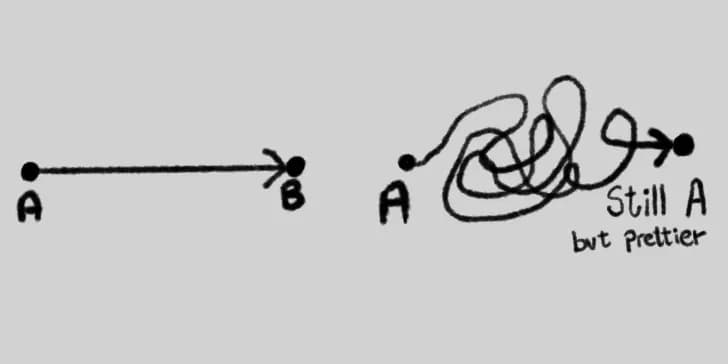
Building games as a side-project is intimidating. You only have a few hours per week to work on it and are new to the tools of the trade. Ask me in 2 weeks if I have given up and moved on from this already. I will try not to, by keeping the scope small, making simple games, breaking them down into smaller milestones, and by writing about them.
The scope:
- Build the basics: Render a block, create the tetris “tetraminos” and render them on screen. Define what is a wall and the floor, spawn tetrominos and define how they move around and interact with the fall and the floor.
- Build core mechanics: Building the “stack” as the tetrominos fall down. Building line clear logic and fast-drop and accelerated movements
- Build my HUD, user interface and Scoring system: Build how to start the game and define game over scenario.
- Build my own Graphics and Sounds
- The Twist: Like Tetris meets Wordle, bleh! I don’t know, let’s see
Time spent so far: 5 hours
I’m using the Godot game engine for building the game. I just know the basics of Godot that I learned over past one month using tutorials. There are two game objects that are foundational to every Tetris game: the blocks that form the tetromino shapes and also the stack, and the grid board inside which the game is played. The blocks interact with the walls of the grid, the floor, and with each other. At first I thought of using the RigidBody2D objects in Godot for the blocks. These objects follow laws of physics in the game engine and can interact with the environment and each other. But later, I read about TileMapLayer object in Godot’s official documentation and decided to use a 2D TileMapLayer grid to render blocks and the stack. They seem easier to manage and lighter on the resources. Is this the right call? Ask me again in two weeks.
As a first milestone, I created and rendered a small square block on screen and moved it around on a TileMapLayer grid using arrow keys as input.

This was easy enough for me to push though and create tetromino shapes. Being the object oriented person I am. At first I created classes for everything. A blockcell class, a tetromino class, a board class and more. It turned out to be overkill and difficult to manage. I struck a balance and created one major class object for tetrominos which helps spawn different shapes and stores each blocks position information on the grid. I wrote functions to spawn tetrominos and make them fall down.
End result:

Maybe Tetris is the best practices you learn along the way
Learnings:
- Godot has great built in objects like TileMapLayer and Timers. No need to re-invent everything. At the same time, strike a balance between keeping things simple versus building fully reusable systems that interface with each other.
- I tried to separate the calculation and logic layer from the visual rendering layer. I feel happy about structuring the code as game mechanics , game board/grid, and tetrominos. There is also a Global variable node to store key game variables like gravity/falling speed and game states like pause/play
Next Steps:
- Build code mechanics: Freeze blocks once they hit the floor and create the “stack”. Define how tetrominos interact with the stack.
- Build “line clear” logic to advance the game